

Opening ports on Comcast...
- Thread starter Gringo Starr
- Start date


Lokitorrent.com
You have to sign up...but its free...
THats the best one that i KNOW of...im still pissed they shut down Suprnova....that was my shit....
You have to sign up...but its free...
THats the best one that i KNOW of...im still pissed they shut down Suprnova....that was my shit....


@ Jae
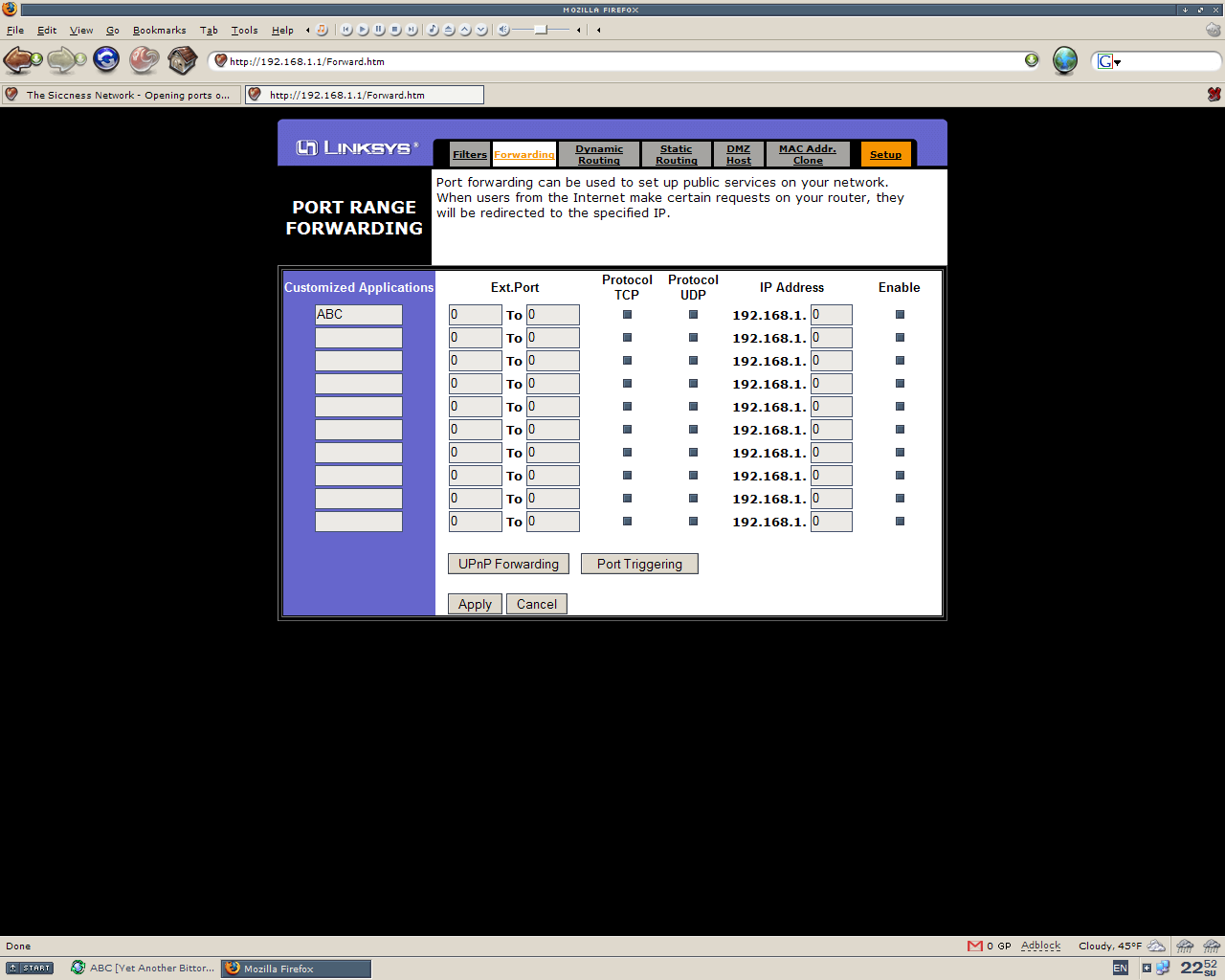
If you are behind a Linksys router, open up your internet browser and type 192.168.1.1. Type admin as the password. This will take you to the routers page. Click advanced, then forwarding. Set the ports you want to open, enable Protocol TCP, and check the enable box. Next all you need to do is hit apply.
The page you should be on should look like this. Click the image to enlarge.:
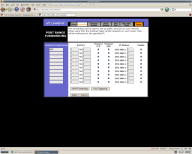
If you are behind a Linksys router, open up your internet browser and type 192.168.1.1. Type admin as the password. This will take you to the routers page. Click advanced, then forwarding. Set the ports you want to open, enable Protocol TCP, and check the enable box. Next all you need to do is hit apply.
The page you should be on should look like this. Click the image to enlarge.:


hobgoblin said:
@ Jae
If you are behind a Linksys router, open up your internet browser and type 192.168.1.1. Type admin as the password. This will take you to the routers page. Click advanced, then forwarding. Set the ports you want to open, enable Protocol TCP, and check the enable box. Next all you need to do is hit apply.
The page you should be on should look like this. Click the image to enlarge.:
If you are behind a Linksys router, open up your internet browser and type 192.168.1.1. Type admin as the password. This will take you to the routers page. Click advanced, then forwarding. Set the ports you want to open, enable Protocol TCP, and check the enable box. Next all you need to do is hit apply.
The page you should be on should look like this. Click the image to enlarge.:
